
HELP / ACCOUNT & BILLING
Check the audit trail
A record of who approved, edited or published each testimonial, and when.
1 MIN READ
Once more than one person can publish, "who put that on the homepage?" becomes a real question. The audit trail answers it.
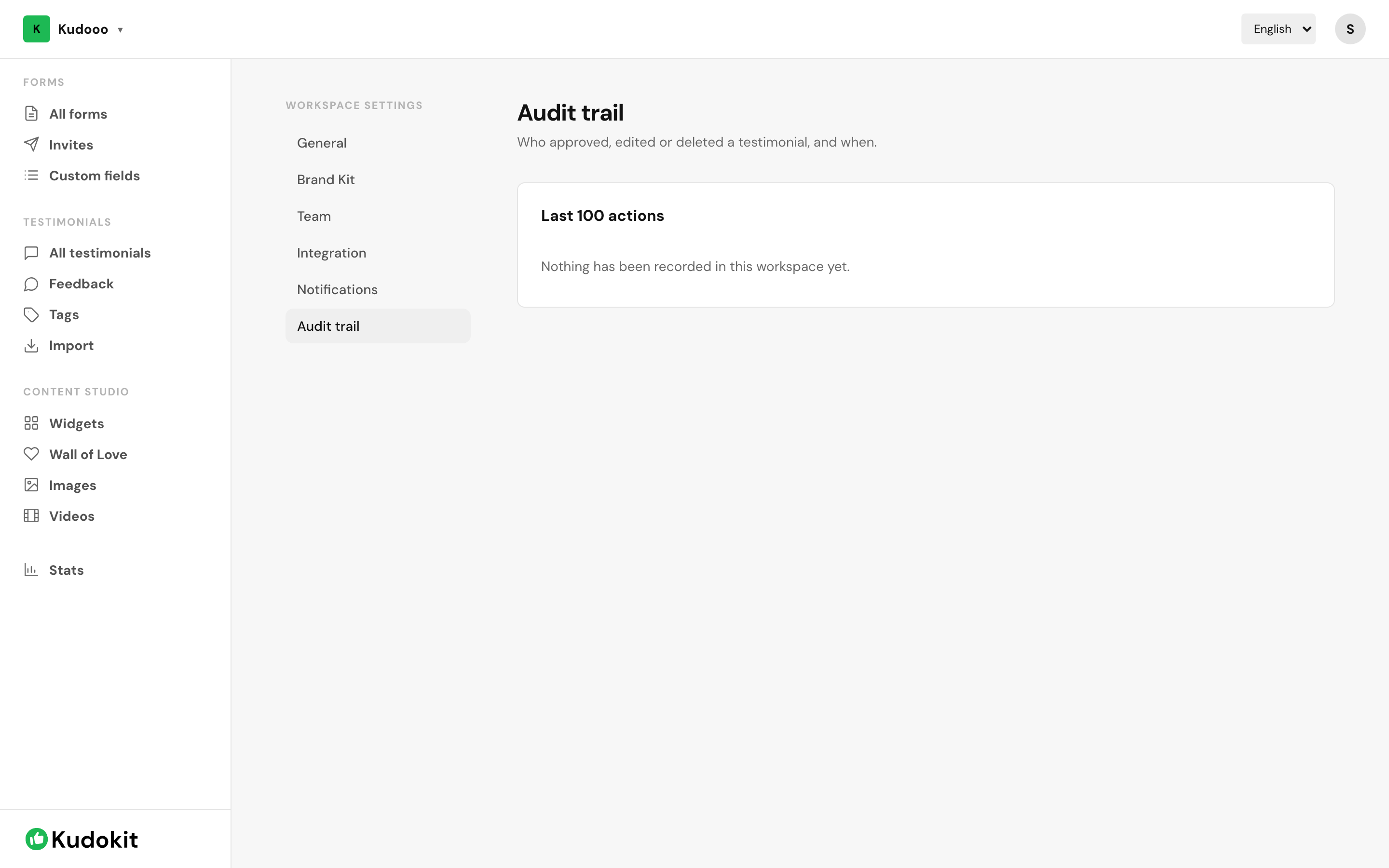
Where it is
Open Workspace settings → Audit trail. Entries are newest first and record the person, the action, what it was done to, and when.
What it captures
- Approvals and rejections
- Edits to a testimonial
- Publishing and unpublishing
- Deletions — including of things that no longer exist
That last point matters. Deleting a testimonial is itself recorded, so removing something does not remove the evidence that it happened.
It is append-only
Nothing in the app edits or deletes an audit entry. A log that can be quietly rewritten is not evidence of anything, so it deliberately cannot be.
What it is actually for
- Answering a customer. If someone asks why their review is not showing, the trail says what happened to it.
- Onboarding. Seeing what a new team member approved in their first week is a faster review than asking.
- Compliance. Some industries require a record of what was published and by whom.
Plan
The audit trail requires Pro, as do roles.
Support
Still stuck? Email support.
A human replies — usually within a few hours.