
HELP / ACCOUNT & BILLING
Choose which emails you receive
Get told when a testimonial arrives — without being buried in notifications.
1 MIN READ
The point of notifications is that a new testimonial does not sit unapproved for a week. The risk is that you stop reading them.
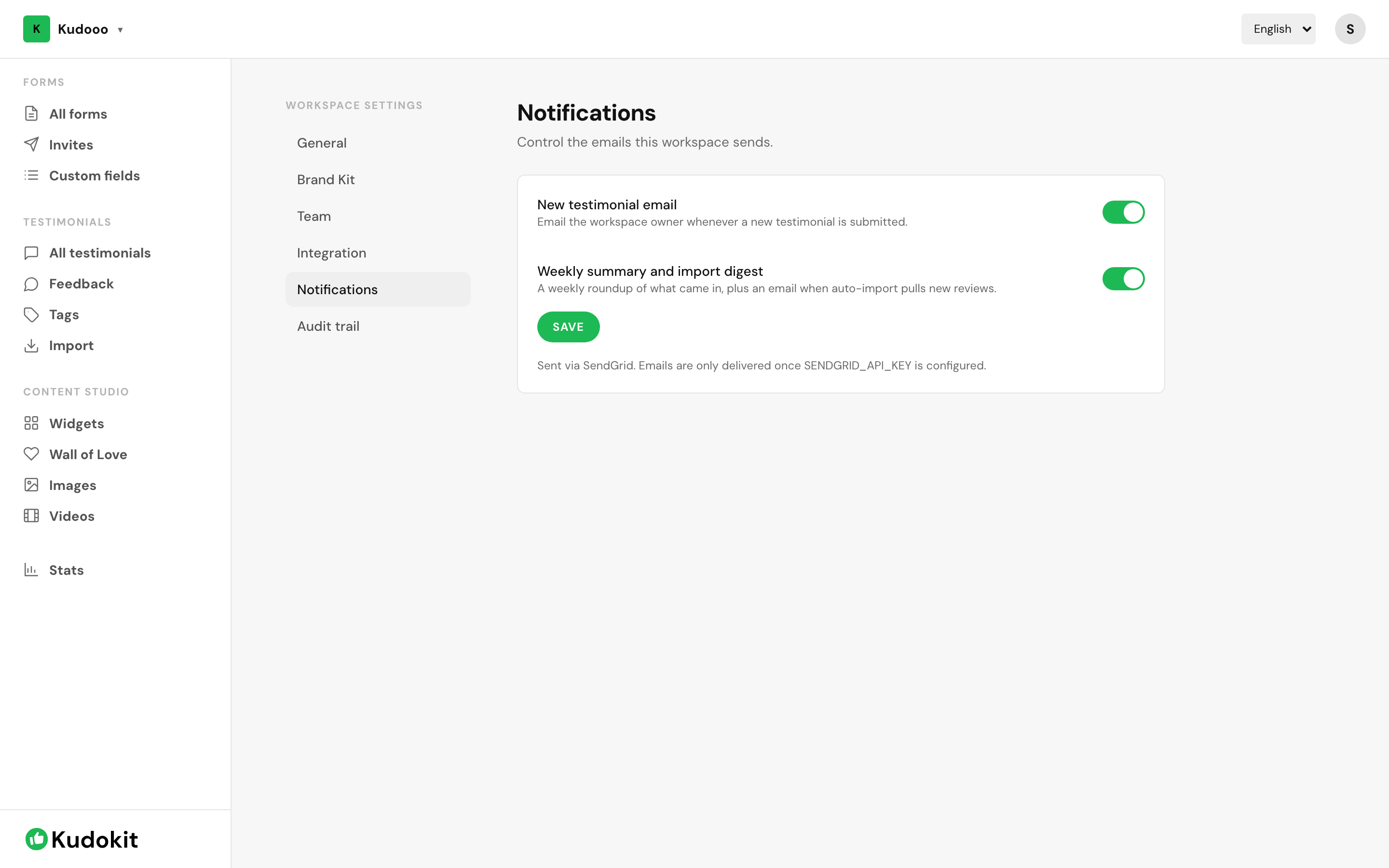
Set them
Open Workspace settings → Notifications and choose which events email you. Settings are per workspace, so if you run more than one you set them separately.
A sensible default
- New testimonial — on. This is the one that matters; something is waiting for a decision.
- New private feedback — on. A complaint is more time-sensitive than praise. See Reply to private feedback.
- Weekly summary — on if you check the app rarely, off if you are in it daily.
If it becomes noise
Turn off per-testimonial emails and keep the weekly summary. An alert you have trained yourself to ignore is worse than no alert, because you will also miss the important one.
Team members
Each person sets their own. Inviting someone does not subscribe them to everything — see Team seats, roles and workspaces.
Support
Still stuck? Email support.
A human replies — usually within a few hours.