
HELP / GETTING STARTED
Set up your Brand Kit
Set your colours, fonts and logo once. Every widget, wall, image and reel inherits them.
1 MIN READ
The Brand Kit is the difference between proof that looks like part of your site and proof that looks bolted on.
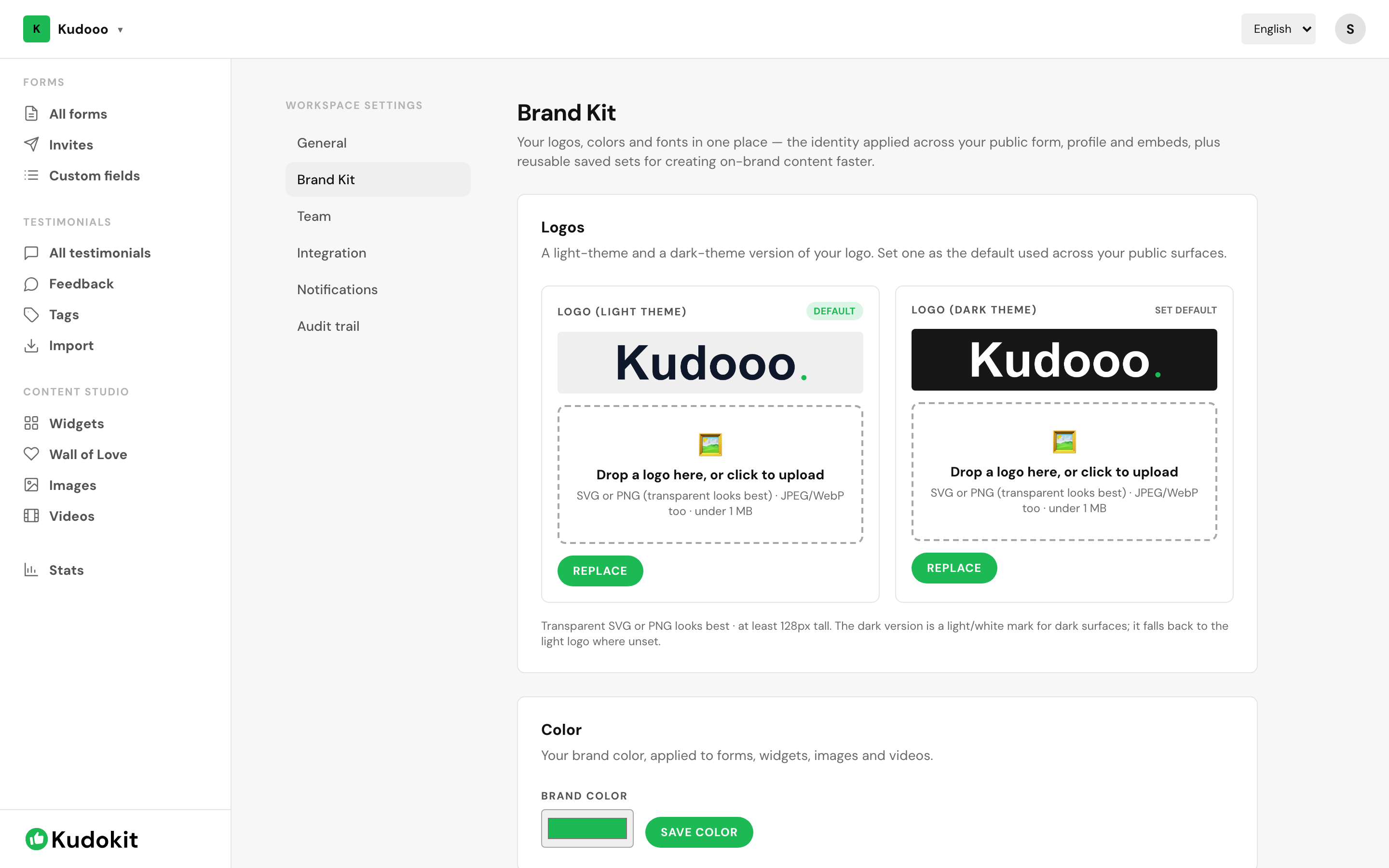
Set it up
- Open Workspace settings → Brand Kit.
- Upload your logo.
- Set your brand colours — at minimum a primary colour matching your site's buttons.
- Choose fonts.
Do this before building widgets. Everything created afterwards inherits automatically, so setting it up first saves reworking each piece later.
What inherits
- Widgets and popups
- Your Wall of Love
- Quote images and video reels
- Collection forms, so the page your customer fills in looks like yours
Removing the Kudokit badge
Free workspaces show a small "Powered by Kudokit" mark on widgets and walls. Starter and Pro remove it — see What each plan includes.
One tip
Match your site's actual button colour, not your logo colour. They are often different, and the widget sits next to buttons rather than next to your logo.
Was this helpful?
Support
Still stuck? Email support.
A human replies — usually within a few hours.