
HELP / PUBLISHING
Create shareable quote images
Turn a testimonial into a branded image sized for wherever you are posting it.
1 MIN READ
A testimonial trapped on your website only works on your website. A quote image takes the same words somewhere people are already scrolling.
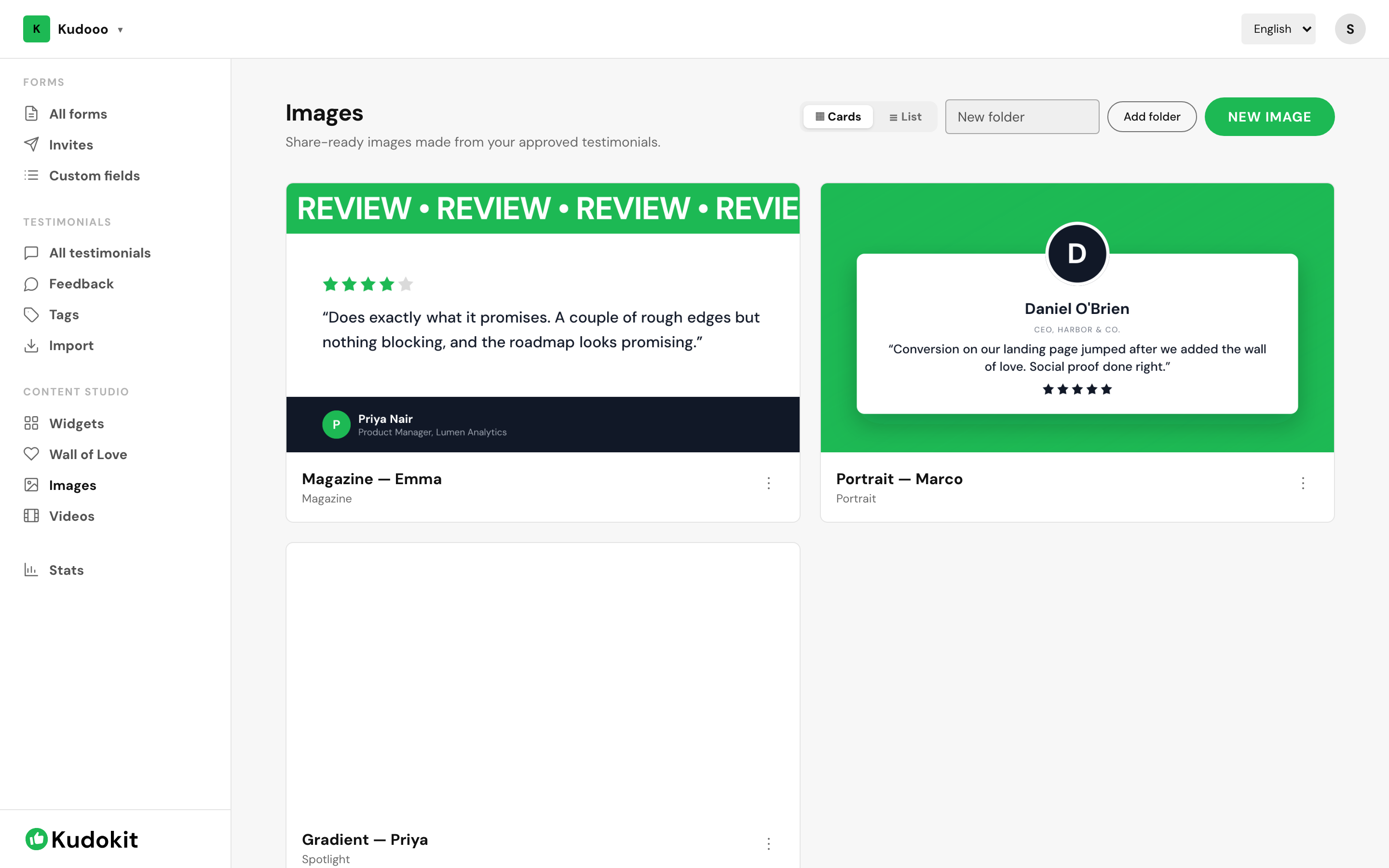
Make one
- Open Images under Content Studio.
- Pick the testimonial you want.
- Choose a format — square, portrait or story, depending on where it is going.
- Download it.
Branding
Colours and fonts come from your Brand Kit, so images look like they came from you rather than from a generic tool. Set that up once under Workspace settings and every image after it inherits.
Which testimonials work as images
Short ones. An image is read in about a second while someone scrolls, so a two-line quote with a specific claim beats a paragraph of general praise. If the best part of a long testimonial is one sentence, use the sentence.
Quote images are unlimited
On every plan, including Free.
Related
Support
Still stuck? Email support.
A human replies — usually within a few hours.