
HELP / PUBLISHING
Turn testimonials into video reels
Export a video testimonial as a branded, captioned clip you can post anywhere.
1 MIN READ
A video testimonial sitting in your library only works on your site. A reel takes it to the places people actually scroll.
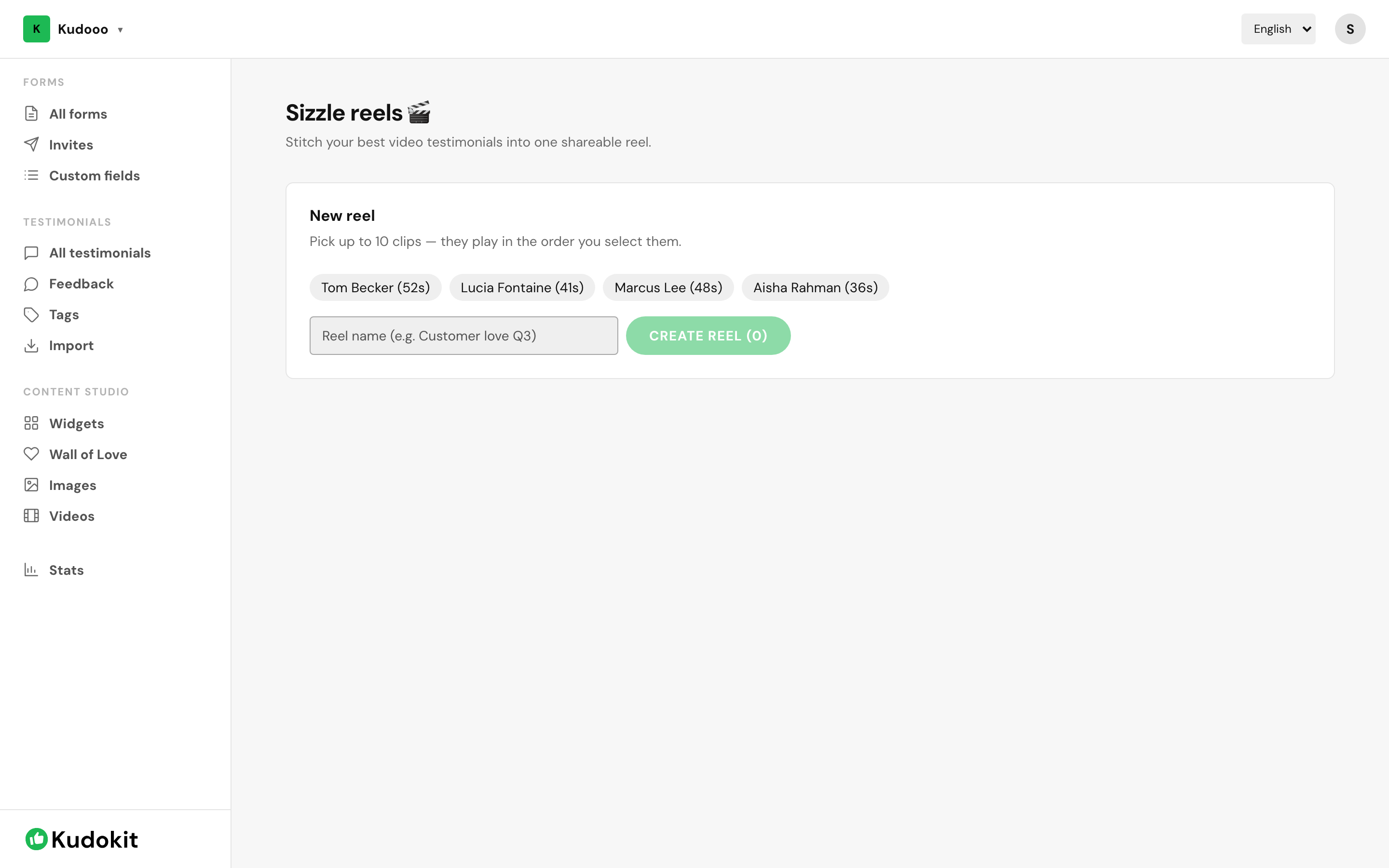
Make one
- Open Reels under Content Studio.
- Pick an approved video testimonial.
- Add captions and branding, then export as MP4.
Captions are not optional
Most social video is watched muted. An uncaptioned clip is a silent video of someone talking — the single biggest reason a good testimonial underperforms.
Branding
Overlays pull from your Brand Kit, so exports look like you rather than like a generic template.
Keep it short
A 45-second clip with the strongest 15 seconds first will outperform a faithful 3-minute cut every time. You are not preserving the interview; you are using it.
Where reels come from
You need video testimonials first — see Collect video testimonials. For text testimonials, use quote images instead.
Support
Still stuck? Email support.
A human replies — usually within a few hours.