
HELP / PUBLISHING
Show star ratings in Google search
Rich snippet markup puts your rating under your link in search results. Here's what it needs and what it can't promise.
1 MIN READ
Those gold stars beneath a search result come from structured data in the page. Kudokit generates it; Google decides whether to show it.
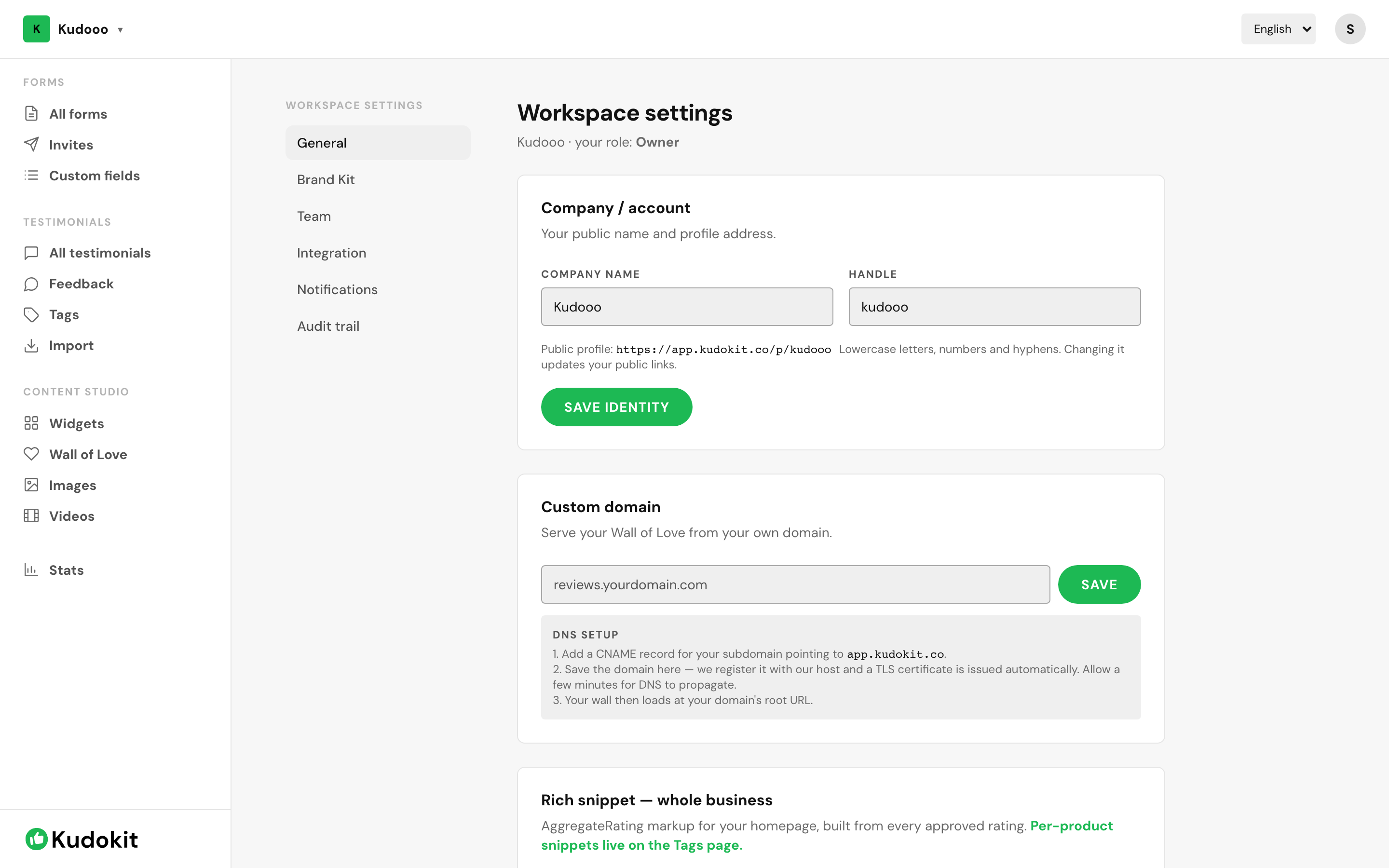
Whole-business markup
Open Workspace settings → General and find Rich snippet — whole business. This produces AggregateRating markup for your homepage, built from every approved rating you hold. Add the generated markup to your homepage and search engines can read your overall score.
Per-product markup
For a rating attached to one specific item rather than the business, use product tags — per-product snippets live on the Tags page. Mark a tag as a product, give it an image and URL, and its approved testimonials feed that product's rating. See Organise testimonials with tags.
What this cannot promise
Valid markup makes you eligible for stars. It does not guarantee them — Google shows rich results at its own discretion, and it can take weeks. Anyone promising guaranteed star ratings is selling something.
Two things reliably prevent them: markup that does not match visible page content, and ratings you cannot evidence. Both can earn a manual penalty, which is far worse than no stars.
Your testimonials must also be crawlable
Markup describes the rating; the reviews themselves still need to be readable. A widget that renders only in JavaScript may be invisible to a crawler — SEO mode ships real server-rendered HTML for exactly this reason.
Plan
Rich snippets require Pro.
Support
Still stuck? Email support.
A human replies — usually within a few hours.