
HELP / COLLECTING
Collect video testimonials
Video is the most persuasive format and the hardest ask. Here's how recording works, what the limits are, and how to get people to actually do it.
2 MIN READ
A face and a voice carry weight that text cannot. Video is also a bigger ask, so the job is to remove every reason to abandon it.
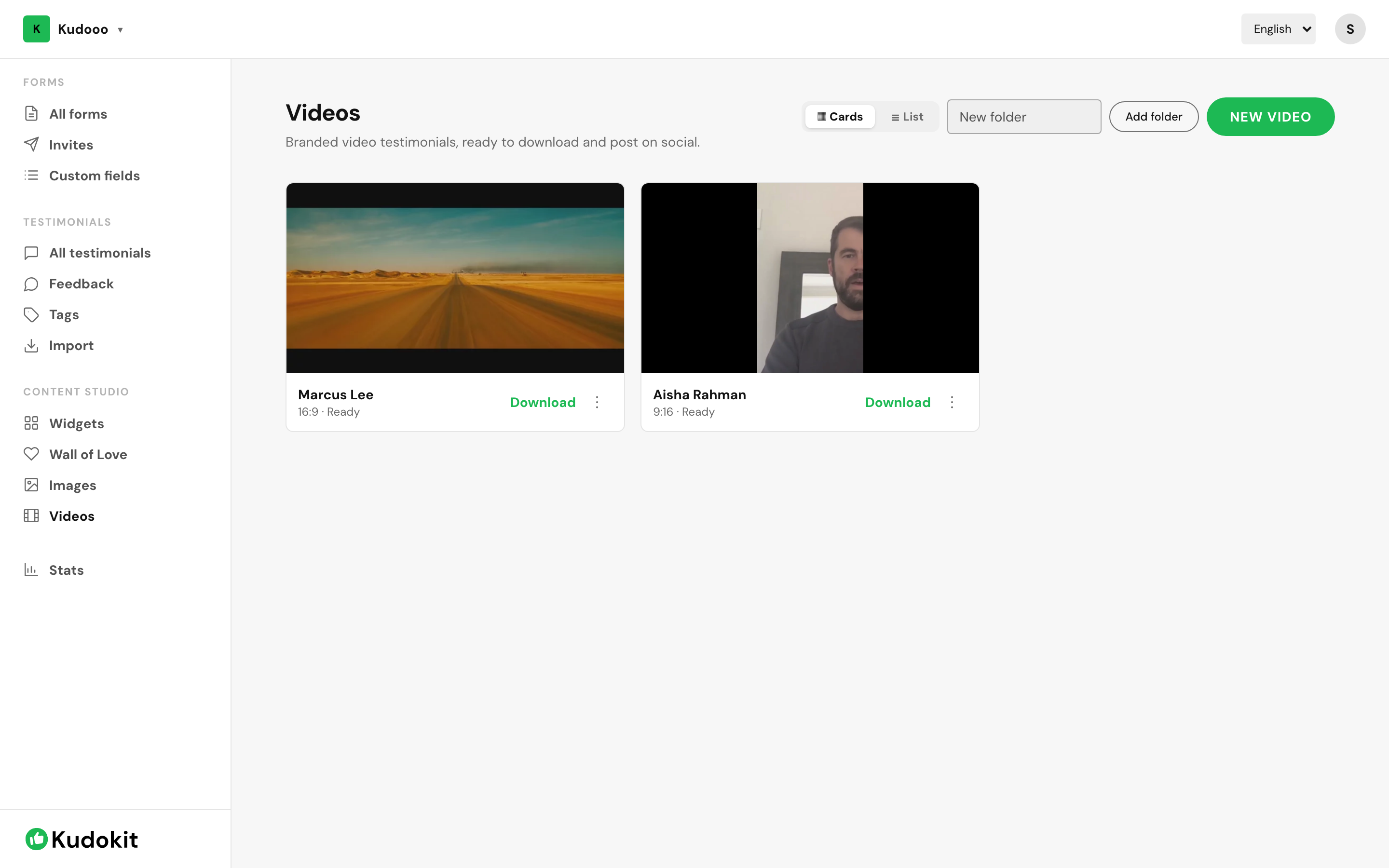
Turn video on for a form
Video is a setting on a collection form, not a separate product. Edit any form and enable video responses — see Create your first collection form if you have not made one yet.
Customers record straight in the browser. No account, no app, no download. That single fact is the difference between a 5% and a 30% response rate on video.
Limits
- Free — 5 minutes per recording, 2 videos, 60 minutes of storage.
- Starter — 30 minutes per recording, 30 videos, unlimited storage under fair use.
- Pro — 30 minutes per recording, unlimited videos and storage under fair use.
Fair use means there is no number to hit. We get in touch if a workspace is well outside normal usage rather than blocking uploads mid-campaign.
The per-recording cap is a feature. An open-ended recording invites rambling; a limit pushes people to the point.
Ask three questions, not one
An unstructured "tell us what you think" produces ten unusable minutes. Use custom fields or the form's prompt text to ask, in order:
- What were you dealing with before?
- What changed?
- Who would you tell to try this?
That is a problem, a result and a recommendation — the shape of every usable testimonial.
What happens after upload
Video is processed before it appears, so a new recording takes a moment to become playable. It then lands in your inbox like any other testimonial and stays private until you approve it — see Approve, reject and tag testimonials.
Once approved you can add a custom thumbnail, feature it in a widget, or export it as a branded clip — see Turn testimonials into video reels.
Support
Still stuck? Email support.
A human replies — usually within a few hours.